A logo file for printing should be supplied as a vector file, meaning SVG, AI, EPS or a PDF with real vectors, with fonts converted to outlines and colour values specified. Only then can a logo be scaled from a small chest logo to a full back print without losing quality, and be printed or embroidered cleanly. A screenshot, an image from the church newsletter or a small PNG from the website is not enough.
The most common reason a group order stalls shortly before the deadline is rarely the design and rarely the delivery time, but the logo file. At Good-Natured we see this regularly with churches, schools and teams. This guide shows what print files your logo needs, how to recognise a genuine vector file and what you can do if the original no longer exists.
• Best format: a vector file as SVG, AI, EPS or vector PDF.
• Fallback: PNG with a transparent background in high resolution, about 300 dpi at print size.
• Colours: provide the Pantone value, or the hex code as a substitute.
• Fonts: convert to outlines, otherwise the font gets replaced when printing.
• No original? In the Basic package we digitise sketches for €25; in the Standard package we design with you (design fee €350).
1. Pixels or vectors: what is a vector file?
Raster graphics (JPG, PNG) are made of individual pixels. Enlarge them and the pixels become visible and the edges jagged. A logo made for a website is usually only a few hundred pixels wide. On a shirt it turns into a blurry blob.
A vector file (SVG, AI, EPS, PDF), by contrast, describes the logo as mathematical shapes: lines, curves and areas. It can be scaled to any size without losing quality, from a small chest logo to the entire back. That is why the vector file is the norm for textile printing and practically a requirement for embroidery, because the embroidery machine needs outlines, not pixels.
If you are ordering for your church, group or merch, a clean vector file saves you most of the back-and-forth. At Good-Natured a group order starts at 25 pieces, freely combinable from T-shirts, polo shirts, hoodies, sweaters, tote bags and socks. A T-shirt with two single-colour prints is available from €15.00 net per piece, plus VAT and shipping.
2. Print files for your logo: which file format?
Good: SVG, AI, EPS or PDF with embedded vectors. Programs such as Illustrator, Affinity, Inkscape or Figma export these formats directly.
Acceptable as a fallback: PNG with a transparent background in high resolution. As a rule of thumb, aim for 300 dpi at the final print size. For a back print about 25 centimetres wide, that is roughly 3,000 pixels.
Not usable: screenshots, images from a Word document, logos cut out of the church newsletter PDF and JPGs with a white box around them. A PNG also does not become a vector file just because you place it in a PDF or rename the file extension.
Open the PDF and zoom in a lot. If the edges stay sharp even at 800 percent, they are vectors. If they become jagged or blurry, only a raster image is embedded.
3. Colours: screen, print and Pantone
Screen colours (RGB) and print colours behave differently. Particularly strong blues, greens and neon shades cannot always be reproduced identically on fabric, and the colour of the fabric itself also changes the effect.
If your church or school has fixed brand colours, the Pantone value is the most useful information: it allows the colour to be mixed precisely for screen printing and the right thread to be chosen for embroidery. If there is none, the hex code is a good starting point. In all our packages we coordinate colours and printing with you personally before production.
4. Convert fonts to outlines
A common stumbling block: if the logo contains text, the font must either be supplied or, better, converted to outlines. Otherwise the program replaces the font with a different one when the file is opened, and the logo suddenly looks wrong.
In Illustrator the step is called "Create Outlines", in Affinity "Convert to Curves", in Inkscape "Object to Path". Also keep a version with editable text in case something needs to be changed later.

In the Basic package we digitise your sketch for €25; in the Standard package we develop two designs with you (design fee €350). Enquiries to b2b@good-natured.com.
Send an enquiry ↗5. Single-colour version and a version for dark fabrics
Many logos rely on gradients, shadows or fine lines. For printing on textiles, and even more so for embroidery, you also need a single-colour version without gradients. Anything to be embroidered must still be recognisable at just a few centimetres. Which finishing suits your design is explained in our comparison Embroidery or print.
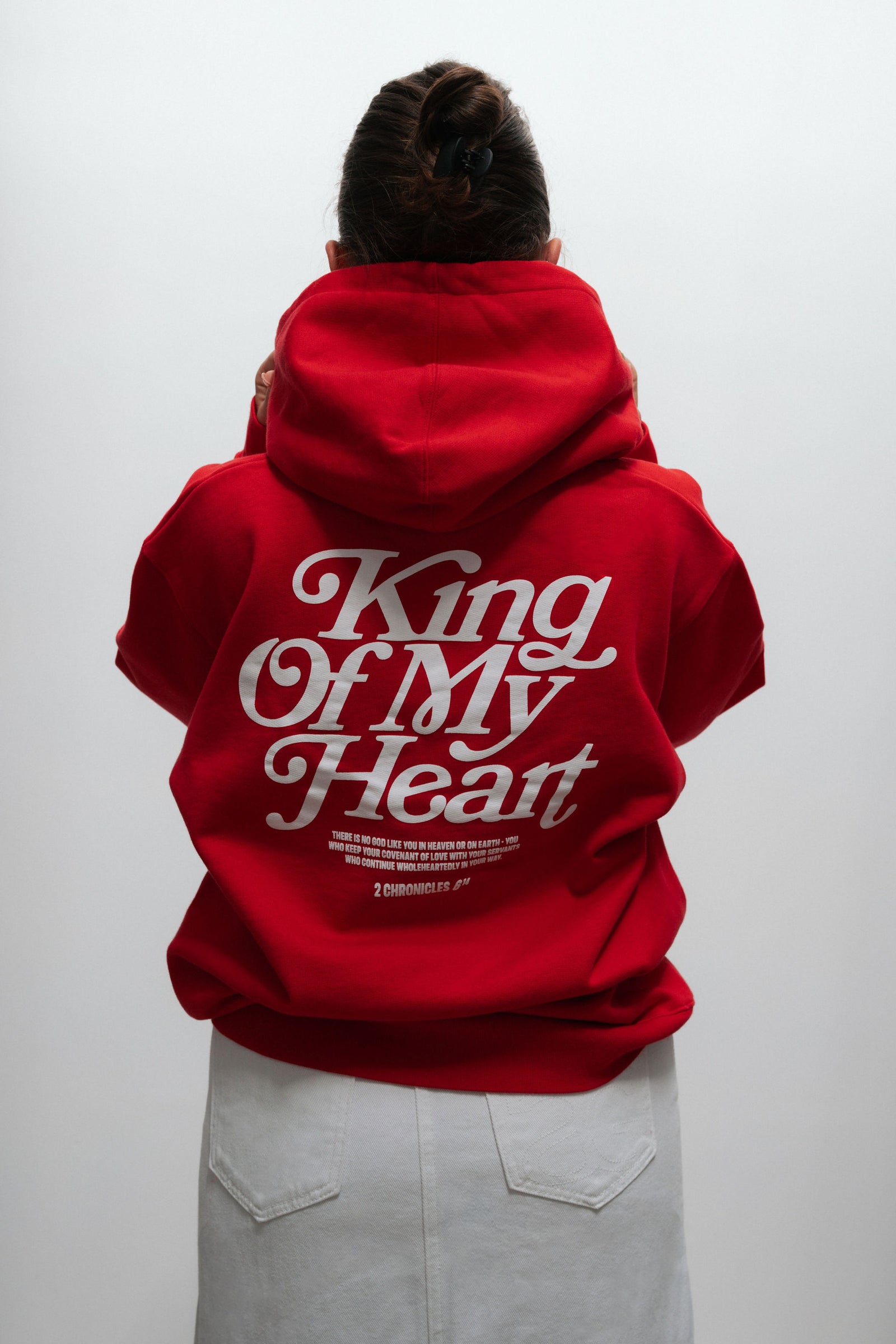
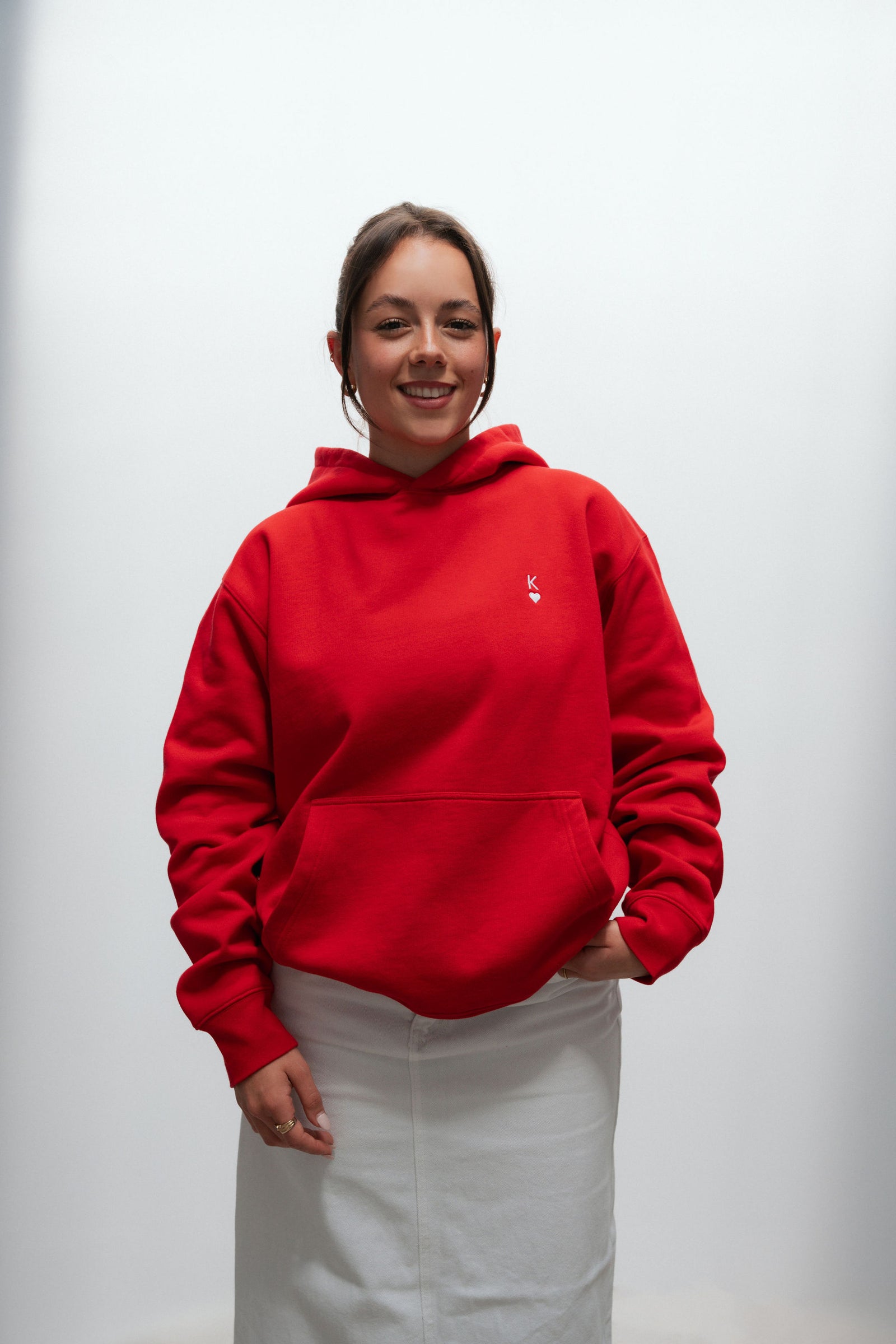
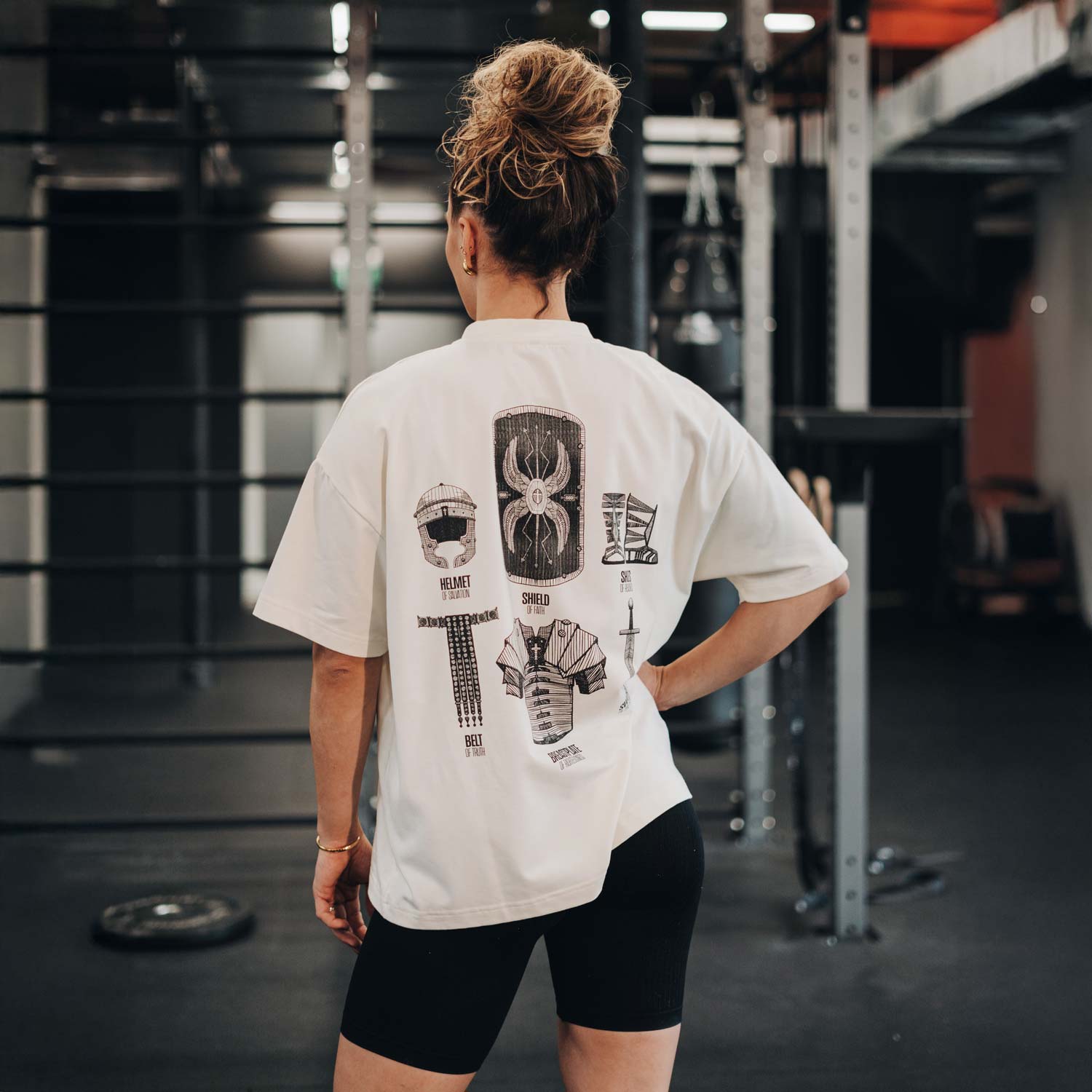
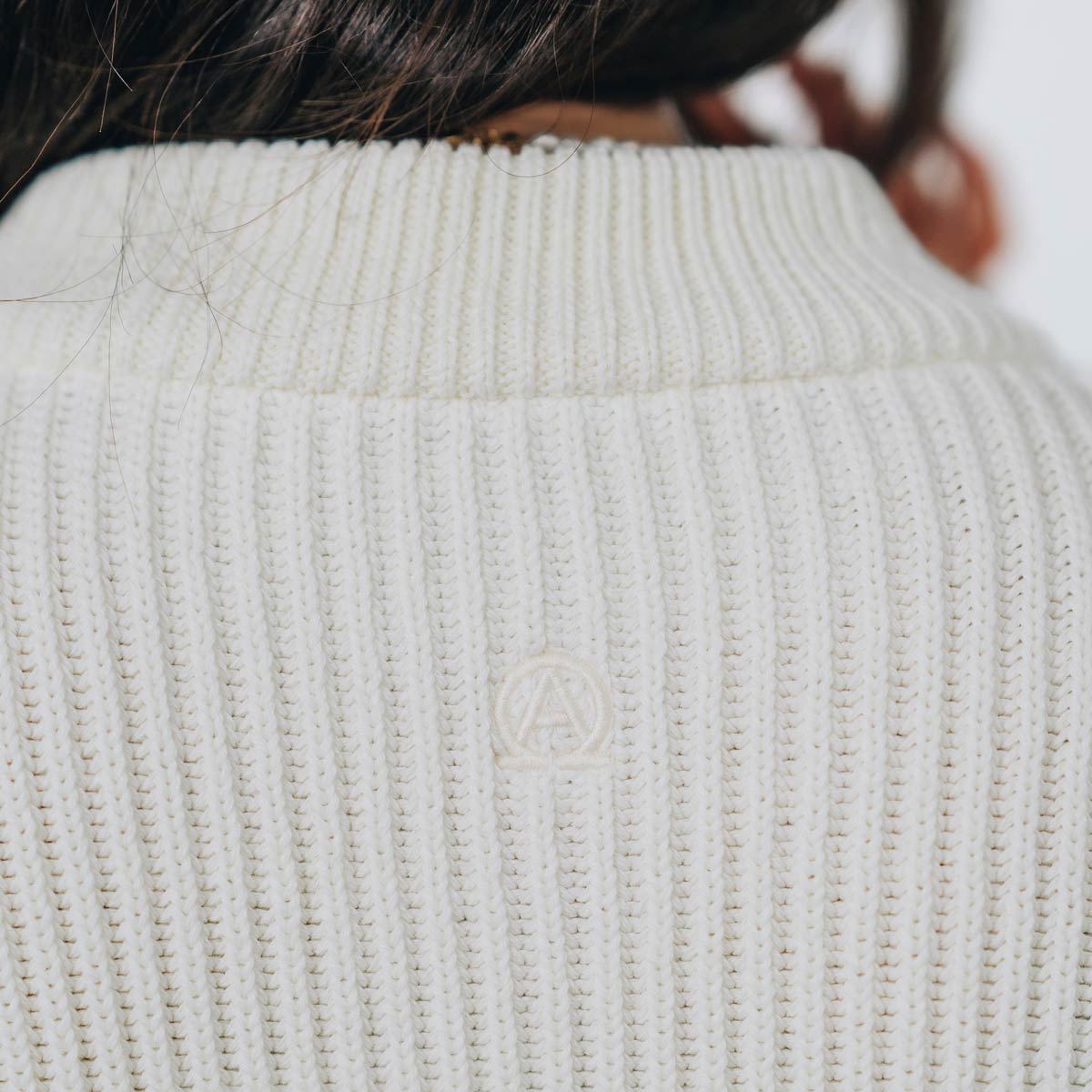
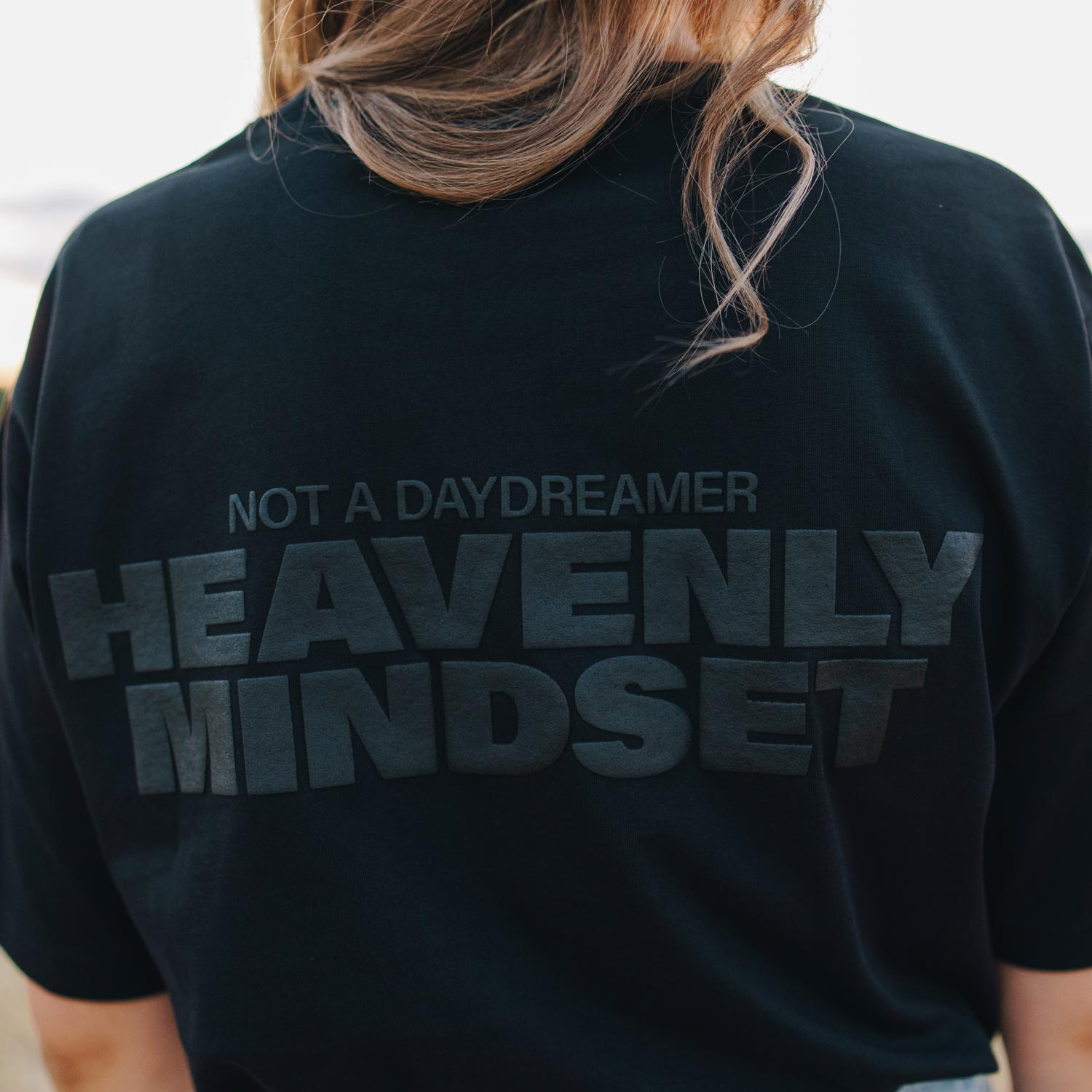
How well a single-colour solution can work is shown by the King Of My Heart Oversized Hoodie: single-colour embroidery on the front, a single-colour back print. Also plan a version for dark backgrounds if your garments are dark. Otherwise a black logo disappears on a black hoodie.
Many church logos use Christian symbols such as the cross, the fish or the dove. Simple shapes like these can be reproduced especially cleanly as a vector file.
6. What to do if there is no vector file
A common case: the logo was designed fifteen years ago by someone who is no longer part of the church, and all that is left is a small JPG. Then there are two options.
Have it redrawn. A clean vector logo can be reconstructed from a good raster template or a hand sketch. In the Basic package at Good-Natured there is the "digitise sketches" option for €25.
Use the opportunity. Sometimes this is the right moment to carefully refresh the logo rather than preserve an old design exactly. In the Standard package you get two designs from us, and one is finalised together; the design fee is €350. How such a process works is described in the article Design process: from motif to shirt.
7. Design templates and what to include in your enquiry
For your own designs we provide templates for Illustrator, Photoshop, InDesign, Affinity, Canva, Inkscape, GIMP and Figma, plus a printable template for hand sketches. That way you can work in the program you already know and deliver print-ready files at the end. Vector programs such as Illustrator, Affinity, Inkscape or Figma give you a vector file directly.
Your enquiry needs four things: products and approximate quantities, your target date, the design or a first idea, and the package you want. With a finished design, plan around seven to eight weeks in total; if the design is created with us, add two to four weeks for design and approval. What this looks like for a camp or confirmation group is shown in our guide to church T-shirts and our ideas for confirmation shirts.
• Vector file: SVG, AI, EPS or vector PDF.
• Fonts: converted to outlines.
• Colour values: Pantone, or hex as a substitute.
• Single-colour version: for embroidery and single-colour printing.
• Dark fabrics: a separate version for dark backgrounds.
Conclusion
A vector file with outlined fonts and specified colour values saves you the week of delay that otherwise crops up just before the deadline. And if there is none, that is not a problem, just a step to plan for. At Good-Natured we help with this, from digitising a sketch to developing a design together. You will find all the key details for church, group and merch orders on our B2B page.
Frequently asked questions
Can you simply convert a JPG into a vector file?
Automatic conversion tools ("Image Trace") give usable results for simple, high-contrast logos, but often produce messy edges and far too many anchor points with fine details. For printing, the result should therefore always be checked and corrected by hand. With lettering it is usually quicker to set the text again.
Is a PDF automatically a vector file?
No. A PDF is just a container that can hold vectors, raster images or both. If the logo was inserted as an image, it remains a raster image inside the PDF too. The zoom test quickly shows what is inside.
Which free programs can edit vector files?
Inkscape is a free vector program for Windows, macOS and Linux that can open and export SVG, PDF and EPS. Figma runs in the browser and also exports SVG and PDF. Both are sufficient for simple adjustments such as changing colours or converting fonts.
Do we need a different file for embroidery than for printing?
The basis is the same vector file. For embroidery, a separate stitch file is created from it, defining stitch direction and stitch type. Above all, you need a simplified single-colour version without very fine lines.

Send us products and quantities, your target date, your vector file or sketch and the package you want at b2b@good-natured.com or call +49 351 309 76484.
View the B2B page ↗